WOK API
CS2 Screenshot API
Send an inspect link or weapon, paint, float and seed. Get a PNG for an item page, marketplace listing or inventory tool.
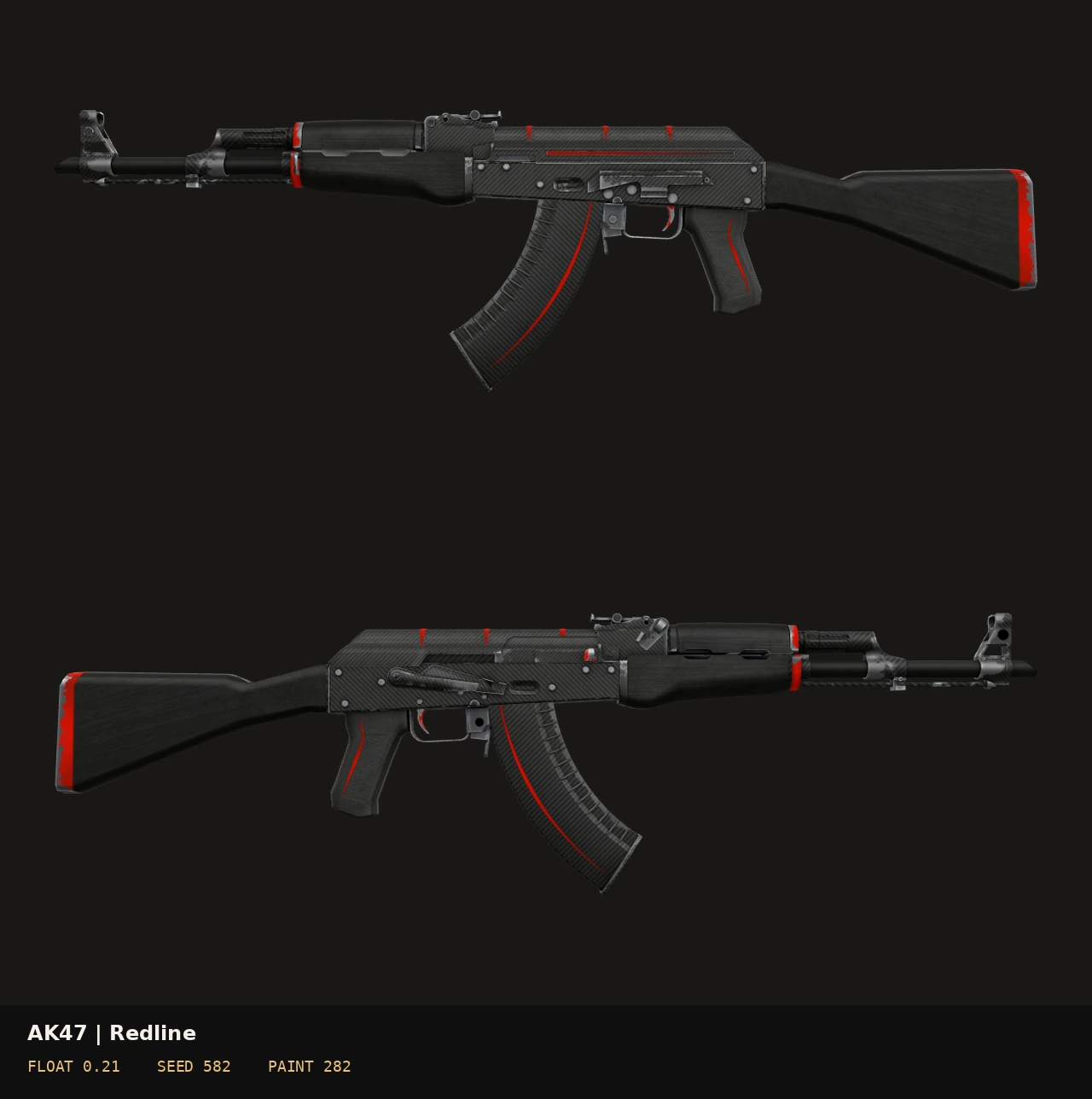
Front, back or both
Choose mode=front, back or both. Use view=transparent for a cutout, including both sides in one PNG. Set a background colour to fit your page.
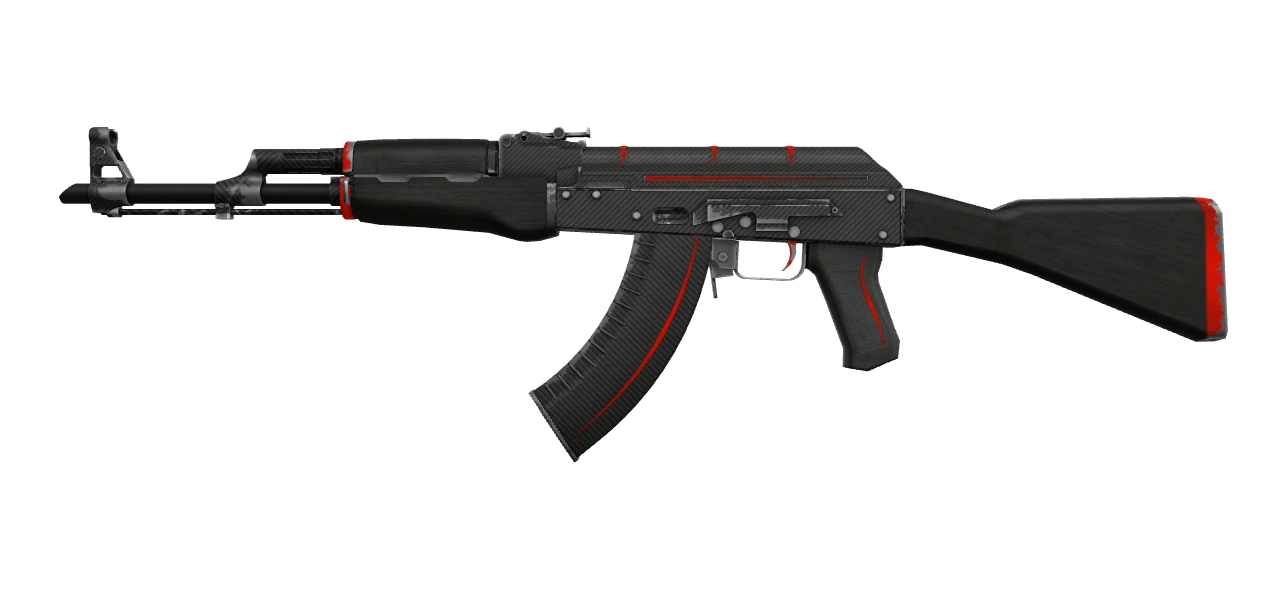
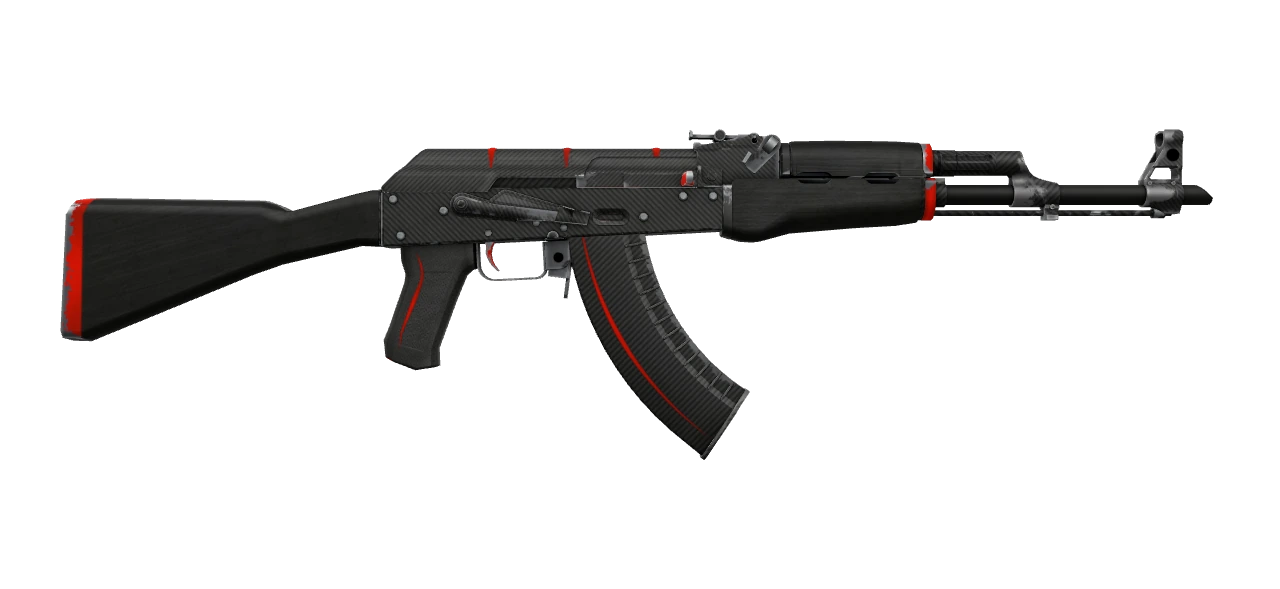
One WOK key
Available with active Free and all-purpose paid keys. Specialist plans do not include this endpoint. Creating a screenshot uses one API unit. Polling an existing job is free; screenshots do not spend 3D viewer openings.
curl 'https://woksteamapi.com/v1/cs2/screenshots' \
  -H "Authorization: Bearer $WOK_API_KEY" \
  -H 'Content-Type: application/json' \
  -d '{"def_index":7,"paint_index":282,"float_value":0.21,"paint_seed":582,"mode":"both"}'
For an inspected item, send inspect_link instead of manual parameters. Unresolved inspect links return an explicit error.
Wait for the render
- Send POST /v1/cs2/screenshots with your key in the Authorization header.
- HTTP 202 includes job_id and result_url. Wait for the Retry-After delay.
- Fetch result_url with the same key. Save the body only after HTTP 200 image/png.
Identical requests share one render. Images are cached for up to three hours within a fixed storage limit. Save completed files to your own storage.
Rendering coverage
Render weapons, knives and gloves with their skins, float and pattern seed. Lighting may differ from CS2. The API response lists which applied details are shown.
Responses report exact_item_rendered=false. Use strict=true to reject unsupported applied details. These are material renders, not captures from a running CS2 client.
Integration guides
Widths from 256 to 2048 pixels, optional float panel, custom text, PNG download and base64 JSON. A separate bounded worker processes renders outside inventory requests.
How to connect · Docs · CS2 3D